A calmer way to focus on one task
Single-task focus gives the work you already chose a full-screen view, live timer, and a clearer path to finishing.
June 26, 20261 min readBy Juno
Sometimes the best productivity feature is hiding everything except the next task.
Juno's single-task focus mode gives a planned task its own full-screen view with a live timer, so you can stay with the work instead of the rest of the board.
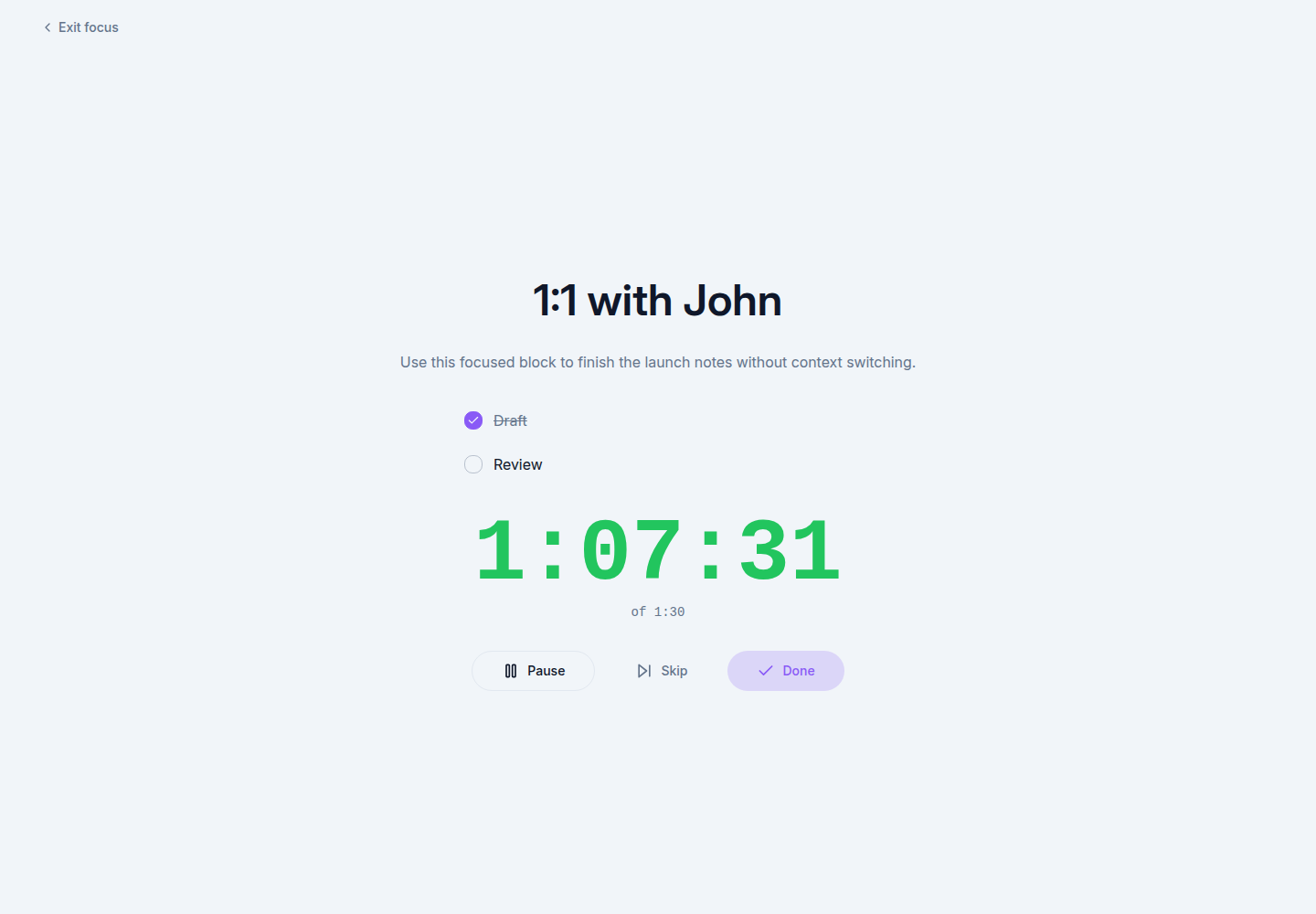
Stay with the task you chose
Open Focus from a task in your day plan, or use the keyboard shortcut while hovering over a task. Juno starts tracking time as you enter, then gives you the controls you need without leaving the focused view.
- Pause or resume the task timer with Space.
- Mark the task done when you finish, then move straight to the next planned task.
- Skip when your plan changes.
- Keep the screen awake during the session.
Focus mode is not another system to maintain. It is a quieter place to do the thing you already decided matters.
Open Juno or read the focus guide.